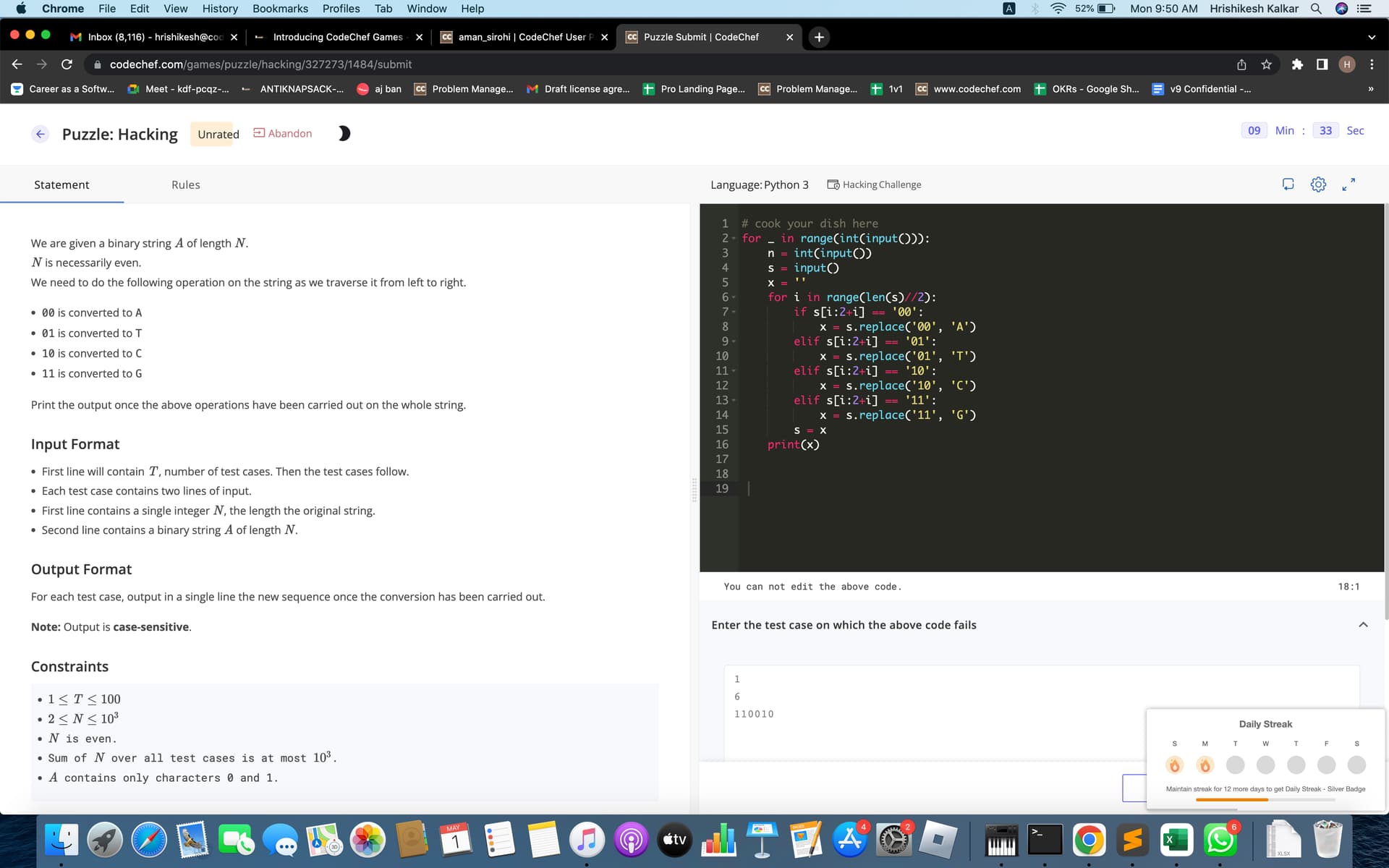
@nskybytskyi Looks like this problem should not have been included in Hacking. Currently in Hacking, we do not support problems which can have multiple correct outputs. This is one such problem and that is why your valid test cases were failing.
Thanks for highlighting this. We will remove any other such problems we find until we bring support for them.
It’s not very usual, but sometimes I too have got this issue. Waiting maximum for a minute, and refreshing the page otherwise helps me in getting back on track.
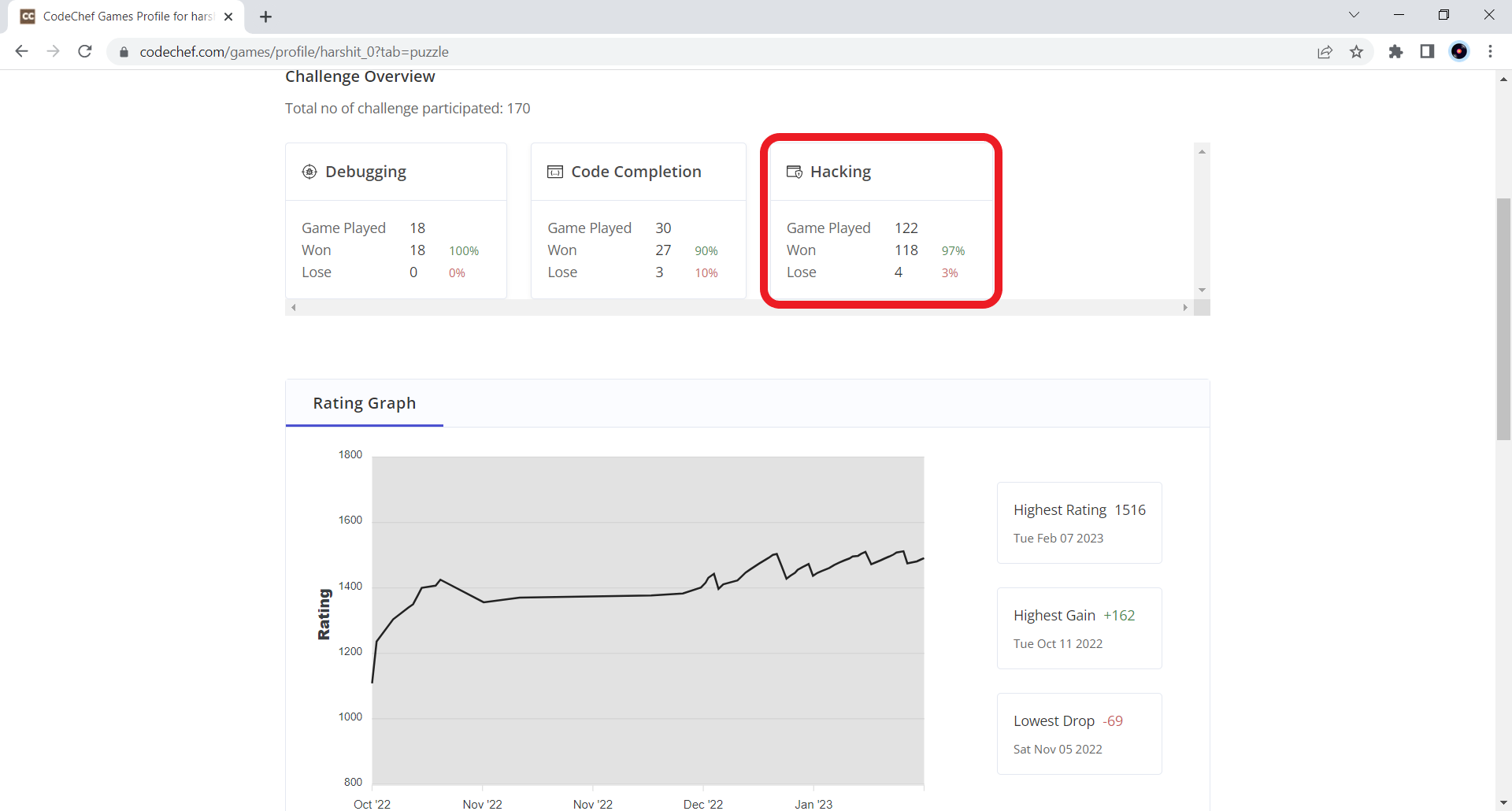
For some reason, I’m unable to start Hacking Puzzle games. I preferred these as I was usually able to solve them quicker than other challenge modes viz., Debugging and Code Completion.
The last Hacking mode Puzzle that I was able to play was on 06th Feb.
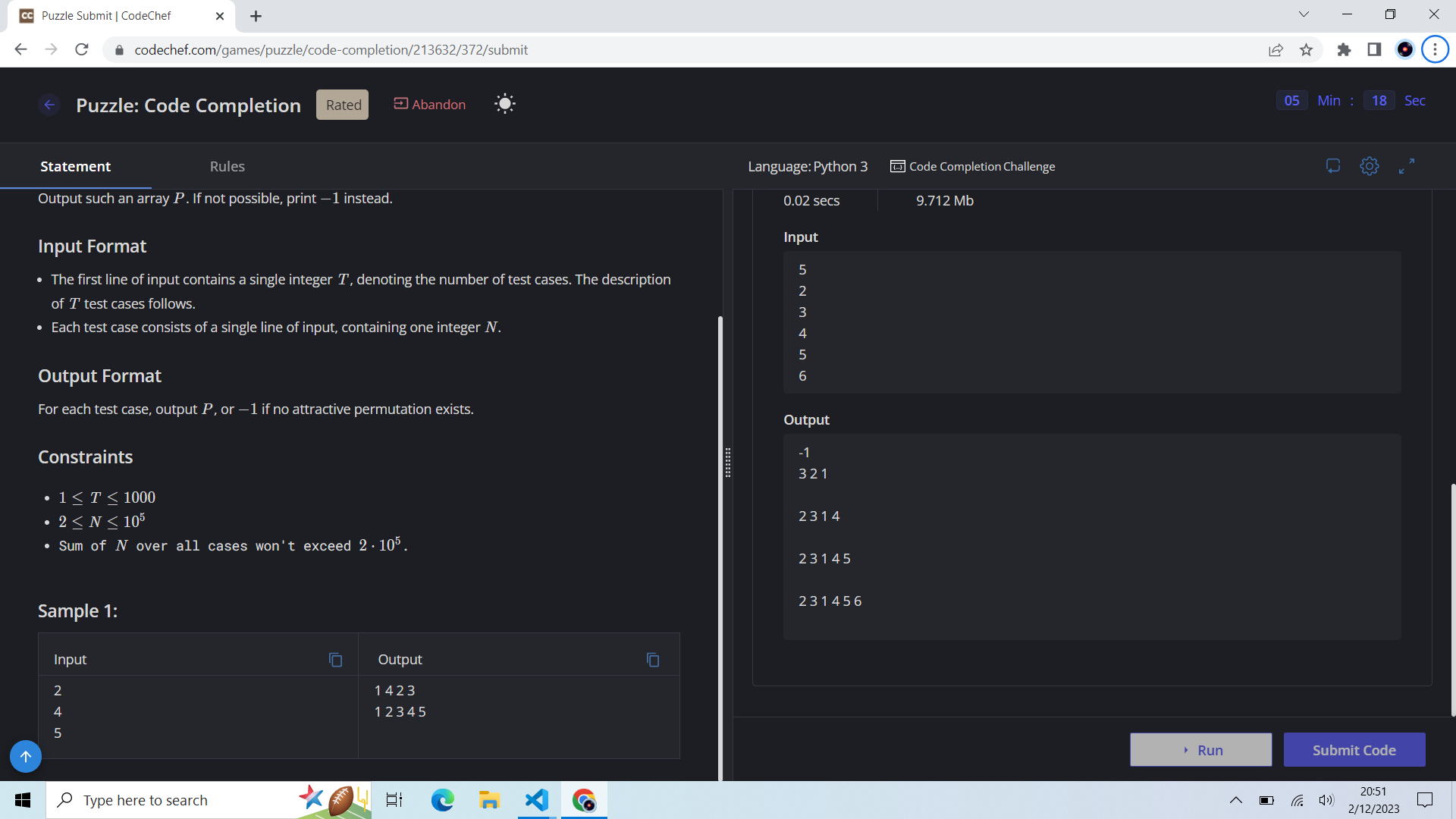
Other challenges like Debugging and Code Completion seem to launch as usual (challenge launched after the previous issue was encountered for Hacking mode):
1 vs 1 challenges are fine though, just that I only get matched with players above 800-900 ratings now. Could this issue be because I had played a lot of Hacking challenges recently due to which puzzle system has run out of Hacking questions for my rating level?
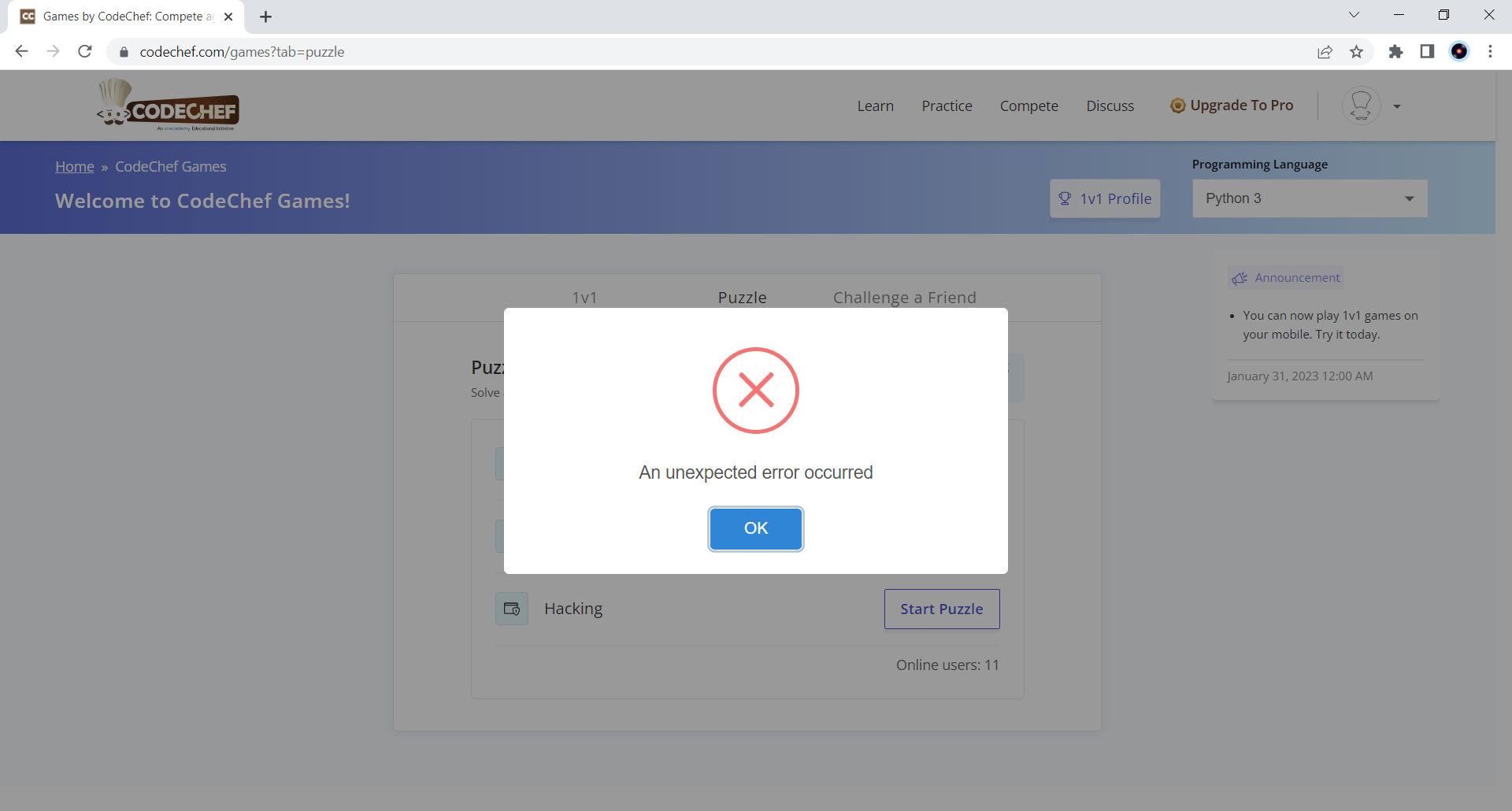
Please look into the unexpected error, I’m not sure if I’m the only one facing the issue in launching a Hacking Puzzle. Rest assured, all CodeChef Games are fun.
Update: Problem has been resolved today (just once, with a repeated problem though). Still facing the issue.
The problem had an unclear description on line 4, “i.e., the absolute difference of consecutive pairs of elements is 0”, when line above it shows XOR of abs. difference of consecutive pairs. Fine, I understood and moved on to solve it.
Then, I found that print("\n") was locked for editing at the provided section of code.
I understand it was to print a single newline character at the end of outputs with end=’ ’ (space character) in above prints, but that should have been done via just print() as print in Python ends with a “\n” newline by default, and print(’\n’) is only going to newline twice, as seen above.
Shouldn’t there be a “Report an issue” option for CodeChef games now? To keep away from distractions, you may provide it when a challenge ends (maybe only for a loss, if not always).
Hi @harshit_kgupta
The unexpected error generally occurs when system is unable to find an unseen task for your rating level. I will look further into it and let you know.
I have noted the problem statement issue and we will fix it. The “Report an issue” button looks like a great idea. Will try and implement it soon.
PS: Sorry for delay in response, we were working on other things in the meantime.
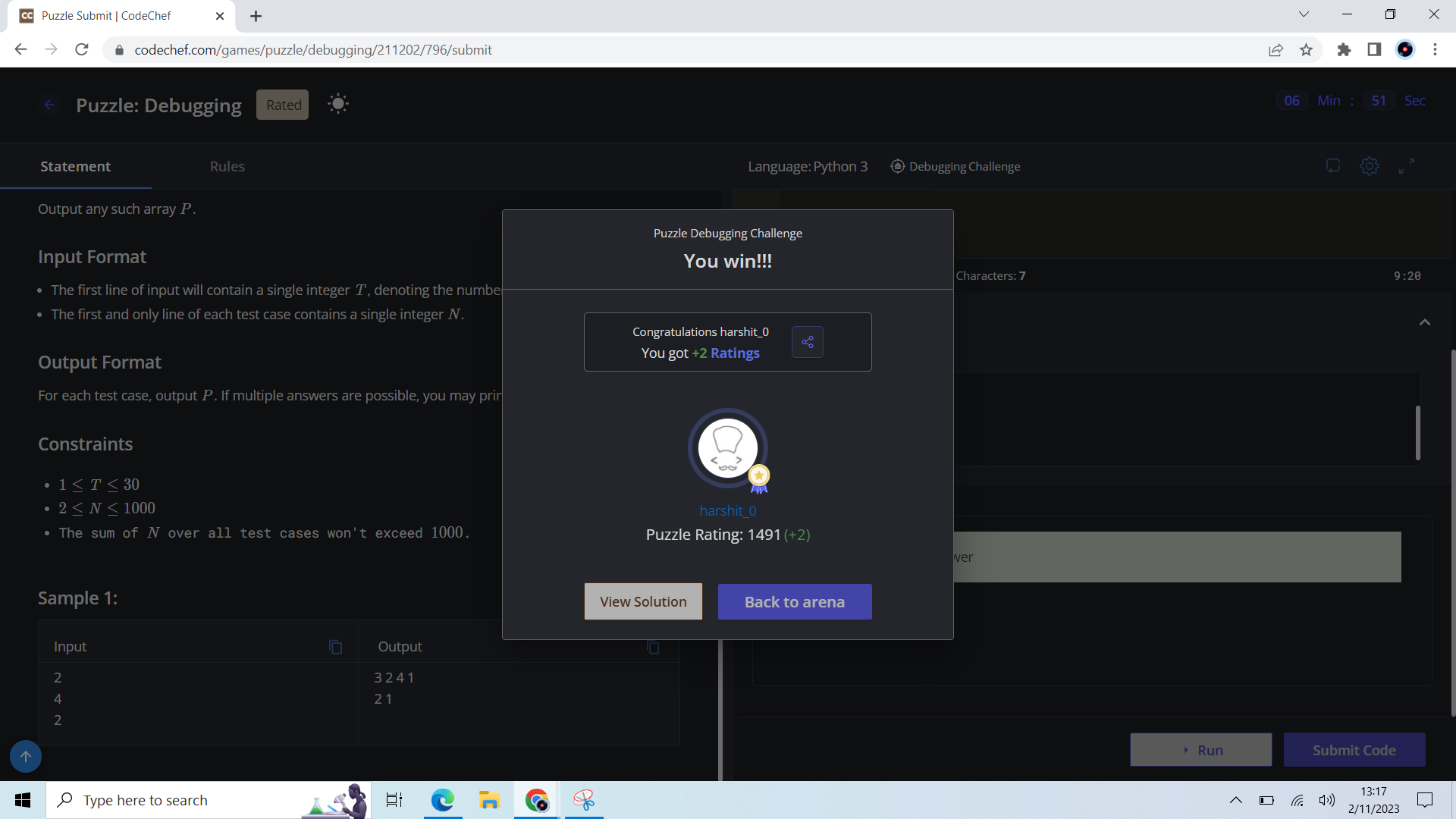
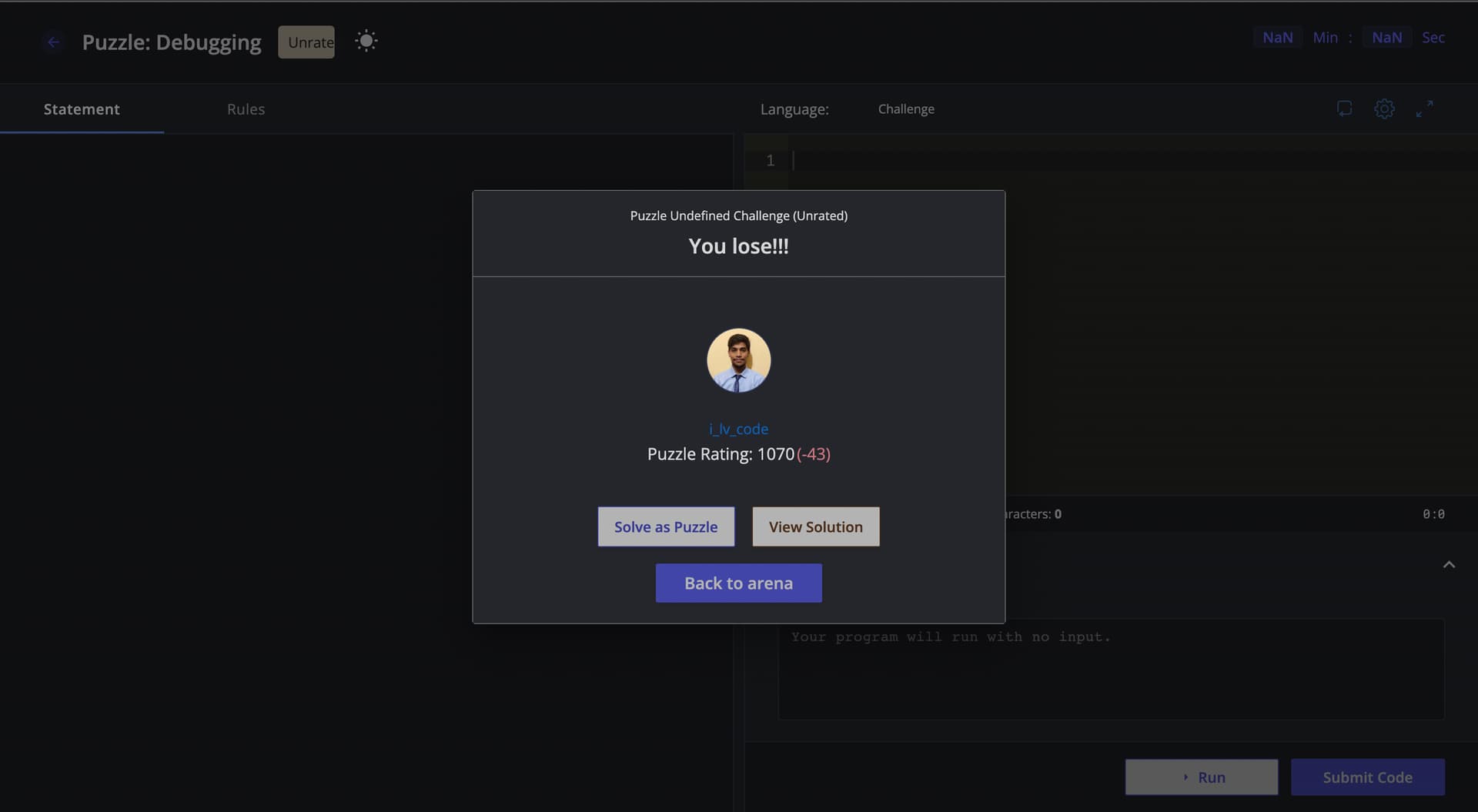
I encountered a technical issue while attempting to solve a debugging puzzle. Specifically, I attempted to solve a debugging puzzle but encountered an unexpected error that caused the puzzle to become unrated. In my first attempt, I abandoned the problem due to the error, but unfortunately, I lost my rating.
Upon my second attempt, I encountered the same error, but this time I persevered. Despite this, I again lost my rating due to the error.
I would appreciate it if you could look into this. Thank you for your attention to this matter.
So I was doing this Puzzle for fun where I was supposed to provide with a test case which will fail the code. I did what I was asked for yet an error kept popping up no matter what. The error was:
“Test case format is wrong. Please enter correct input format.”
I don’t understand the issue. I followed the same Input Format convention as mentioned in the problem.
So, I guess there is some issue with that.
Seems to be having a bug while trying to play 1v1. When I tried to participate, it showed me my opponent but did not open up in the question window. Instead, all I can see it option to participate again but if I try that it shows I am already in a contest.
I was trying the debugging puzzle category of 1v1. I solved the problem and tried to compile, but it got stuck and the timer was running, I waited for around a minute but no compilation error or successful message was seen. I refreshed the page and tried to submit, but the result was the same. Also, after the time was complete it was stuck on submit window(checking the result). Please look into this, if it’s an issue.